What to Do When a Client Doesn’t Pay an Invoice
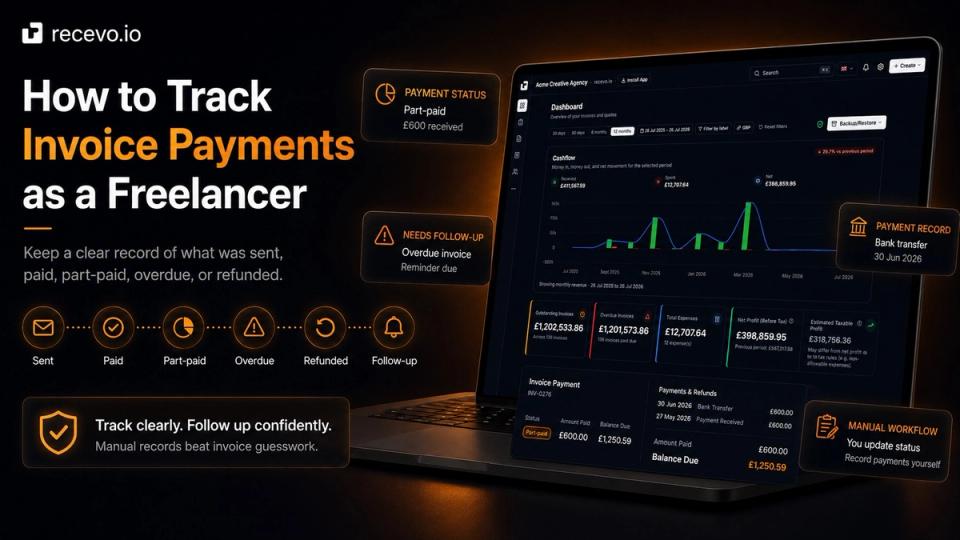
Late invoice payments are stressful, but they are easier to handle with a clear process. Here’s how freelancers can check, follow up, record, and escalate unpaid invoices calmly.
News, guides and product updates from the recevo.io team.

Late invoice payments are stressful, but they are easier to handle with a clear process. Here’s how freelancers can check, follow up, record, and escalate unpaid invoices calmly.

Sending an invoice well can help clients understand what they owe, when to pay, and how to pay. Here’s how freelancers can send professional invoices with less friction.

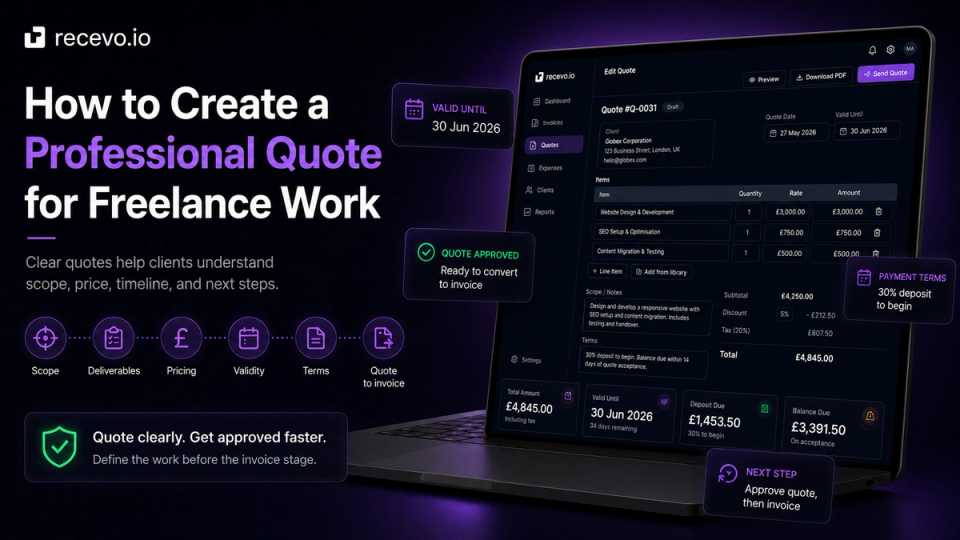
Quotes, estimates, and invoices are used at different stages of client work. Here’s what each one means, when to send it, and how to move from quote to invoice without extra admin.

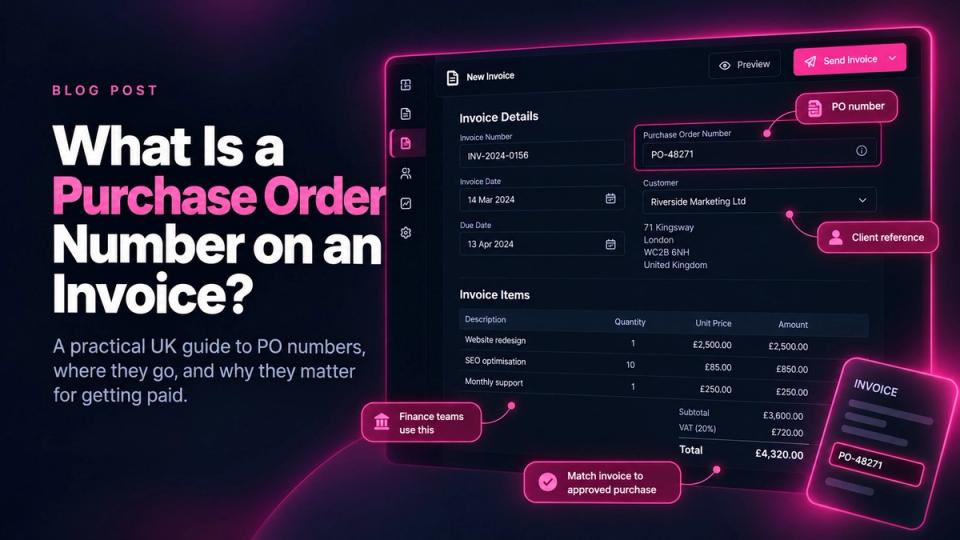
A clear freelance invoice helps clients understand what they owe, when to pay, and how to pay. Here’s what to include so your invoices look professional and are easier to track.

A simple invoice numbering system helps freelancers stay organised, look professional, and keep cleaner records. Here’s how to choose one that works.

Need to send a professional invoice PDF without signing up for another account? Here’s how to create, customise, download, and track invoice PDFs online for free with recevo.io.

Spreadsheets are useful, flexible, and familiar. But once freelance invoicing involves PDFs, quotes, payments, expenses, receipts, and accountant handoff, a dedicated invoicing tool can save time and reduce admin.

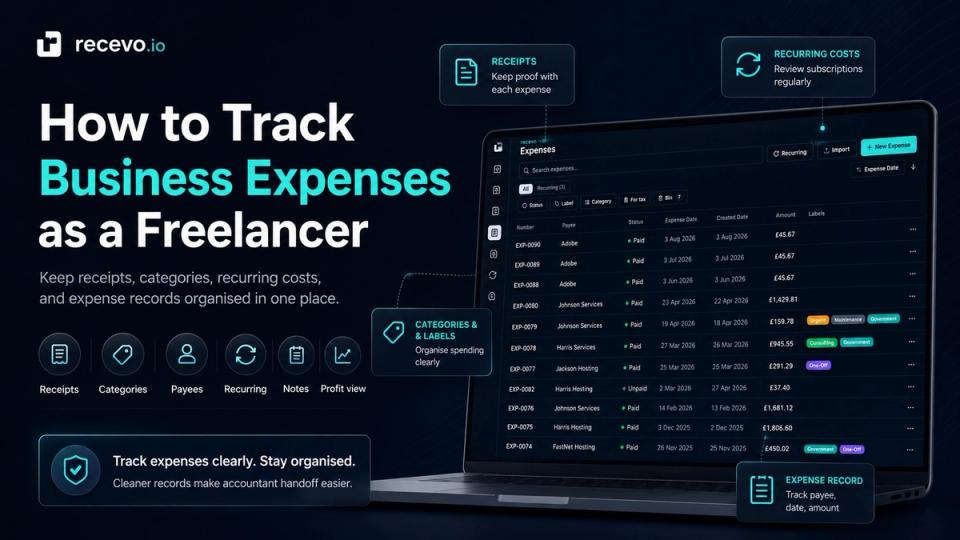
Recurring costs like software, rent, utilities, insurance, phone bills, hosting, and subscriptions can quietly reduce freelance profit. This guide explains how to track recurring expenses, review them before they hit your records, and keep cleaner income, expense, and P&L data in recevo.io.

Making Tax Digital is now live for the first group of UK sole traders and landlords, and the UK is moving toward mandatory VAT e-invoicing from 2029. recevo.io is not MTD filing software or an e-invoicing compliance platform, but it can help independent workers keep cleaner invoices, expenses, receipts, CSV exports, and accountant-ready records.

Encrypted Cloud Backup gives recevo.io users an opt-in, end-to-end encrypted safety net for their browser-based invoicing workspace. Back up invoices, quotes, expenses, receipts, customers, settings, and more to the cloud as unreadable ciphertext — with no account, no password, and a recovery link only you control.

Thinking about using recevo.io? This guide answers common questions about no-signup invoicing, browser-based storage, backups, privacy, offline use, quotes, expenses, PDFs, and accountant exports, so you can decide if recevo.io is the right fit for your freelance or sole trader workflow.

recevo.io keeps your invoices, quotes, expenses, and records in your browser so you stay in control. That privacy-first model makes regular backups essential. Learn why browser data can be cleared, how backups protect your work, and why you should export your data often.