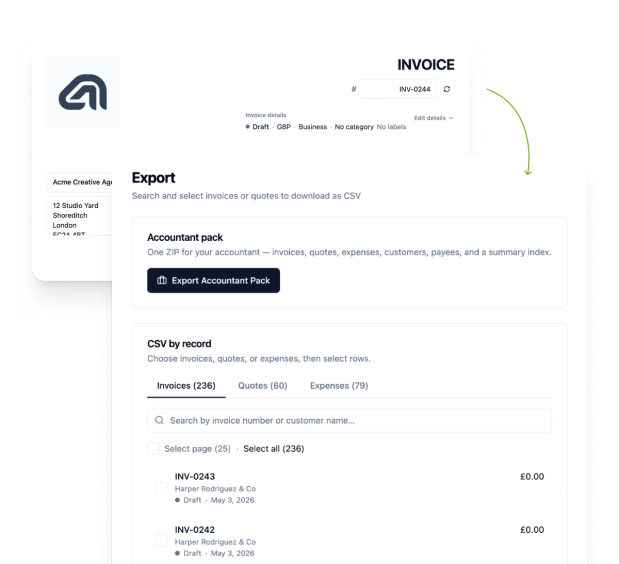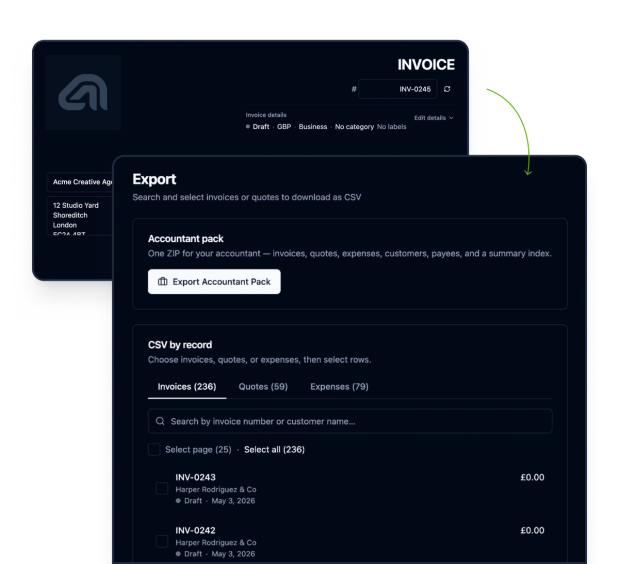
Free Forever · No Signup · Works Offline · Estimates on Site · Accountant Pack
- Free Forever
- No Signup
- Works Offline
- Estimates on Site
- Accountant Pack
Invoicing for Sole Traders Works Offline, No Signup
recevo.io is invoicing for sole traders who work on site. Write an estimate in the customer's kitchen, invoice when the job is done and export an accountant pack at year end. Free forever, with no account to create.


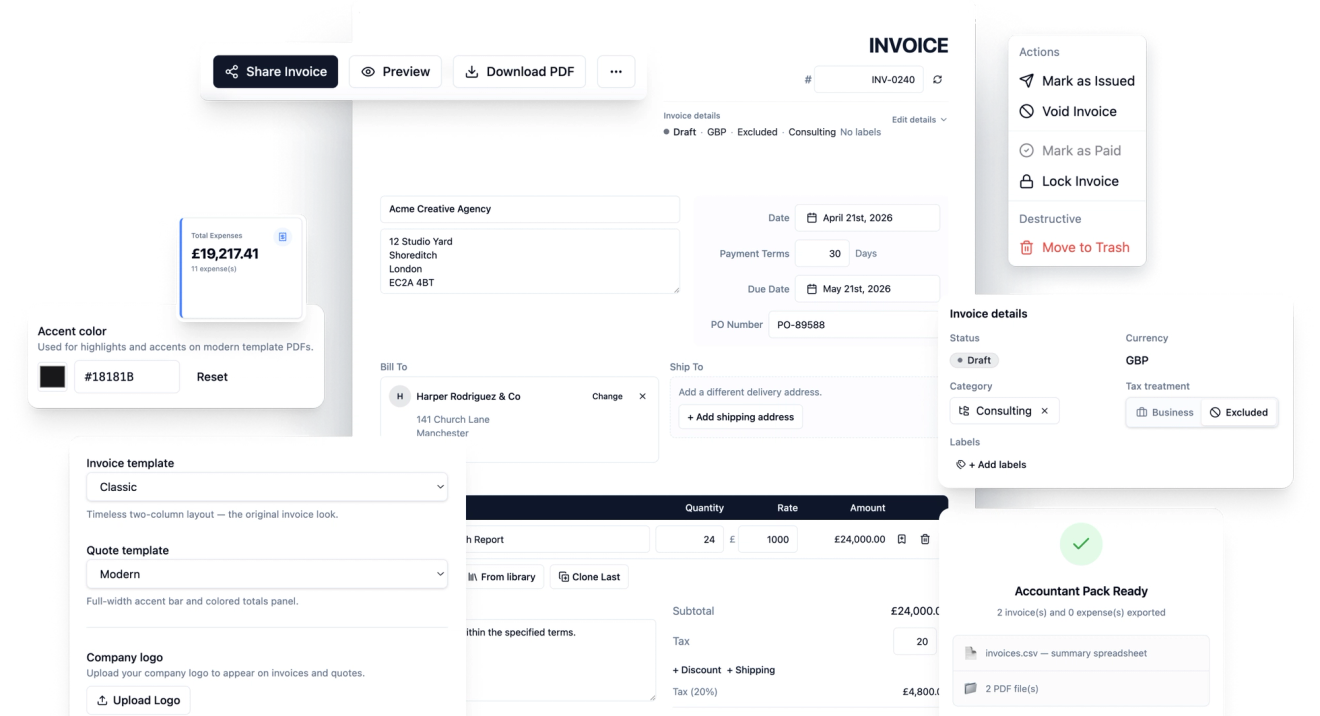
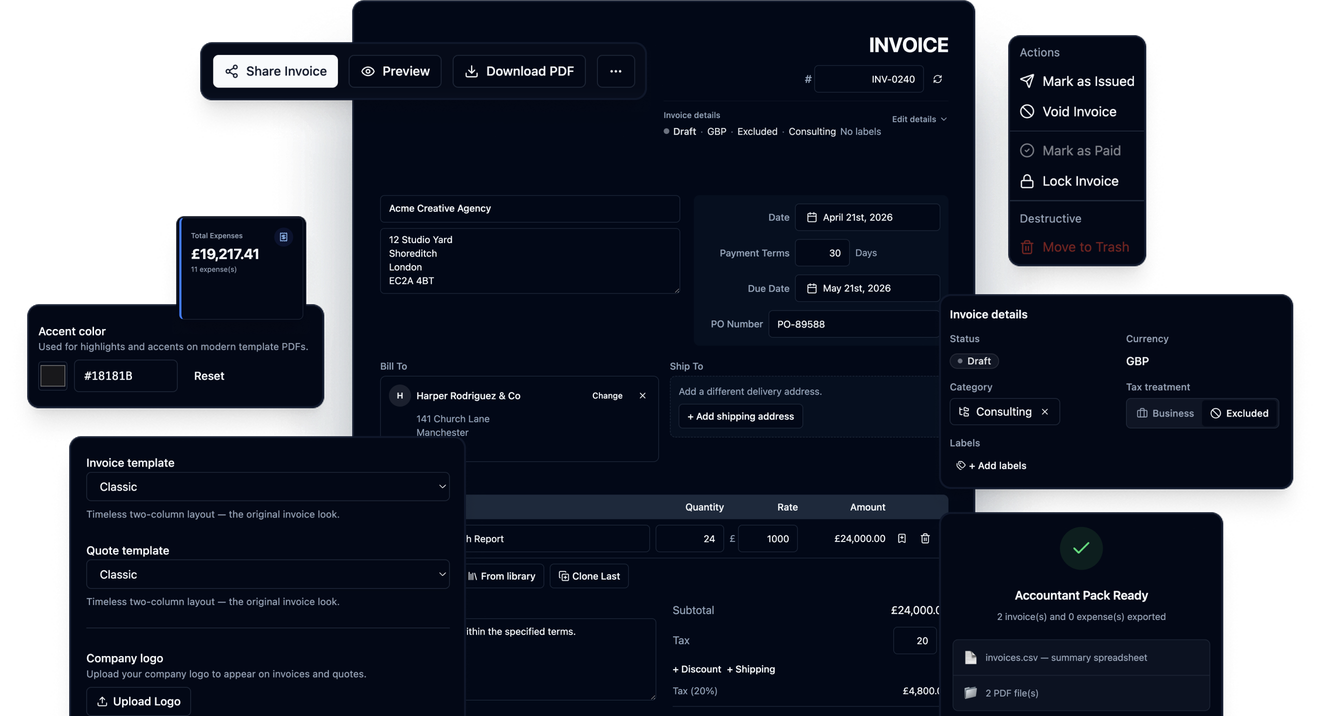
Invoicing That Keeps Up with Life on the Tools


Nothing to Sign Up For
Open recevo.io and start your first estimate straight away. No email, password, free trial or card details.


Private by Design
Customer details, prices and earnings stay in your browser, not in a central recevo.io database, with sensitive fields encrypted.


Works Without Signal
Install recevo.io on your phone once, then quote, invoice and download PDFs in lofts, basements and rural jobs with no signal.
From the First Estimate to the Year-End Pack
Price the Work Before You Leave
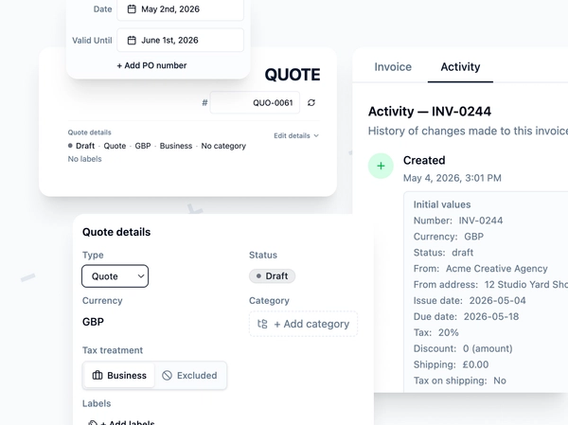
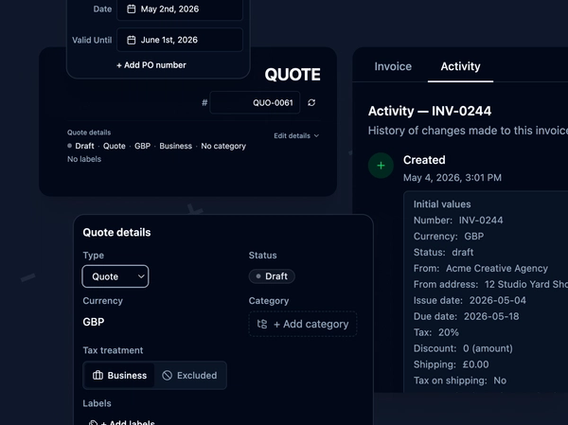
Switch between Quote and Estimate wording, add the scope of work, labour and materials, and set a valid-until date. Accepted estimates become invoices in one click.
 Quote or Estimate wording
- Scope of work and timelines
- Valid-until date
- Line items, tax and discounts
- Clone a similar past job
- Works offline once installed
- One-click conversion to invoice
Price the Work Before You Leave
Switch between Quote and Estimate wording, add the scope of work, labour and materials, and set a valid-until date. Accepted estimates become invoices in one click.
- Quote or Estimate wording
- Scope of work and timelines
- Valid-until date
- Line items, tax and discounts
- Clone a similar past job
- Works offline once installed
- One-click conversion to invoice
Invoices That Look as Good as Your Work
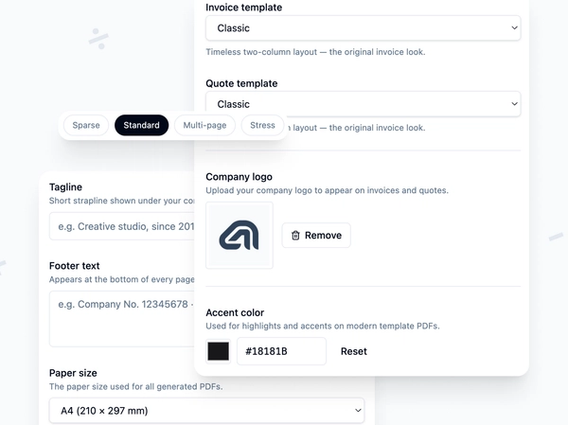
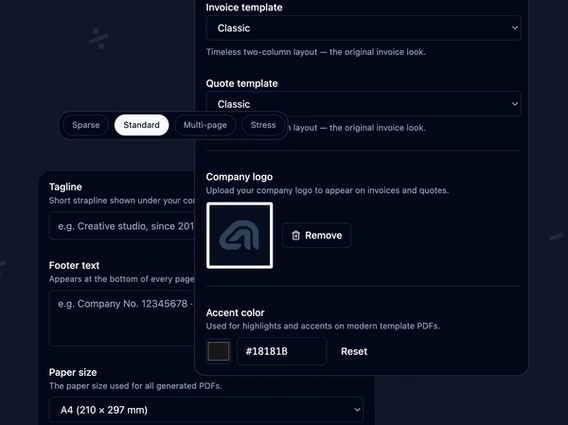
Pick the Classic, Modern or Minimal template, add your logo, accent colour, tagline and footer, then download a PDF. Record each payment so you know what is still owed.
- Three PDF templates
- Logo, accent colour and footer
- PDF download that works offline
- Encrypted read-only share links
- Bank transfer, cash, card or cheque
- Mark as paid with the balance filled in
- Lock finalised invoices
Hand Your Accountant a Clean Pack at Year End
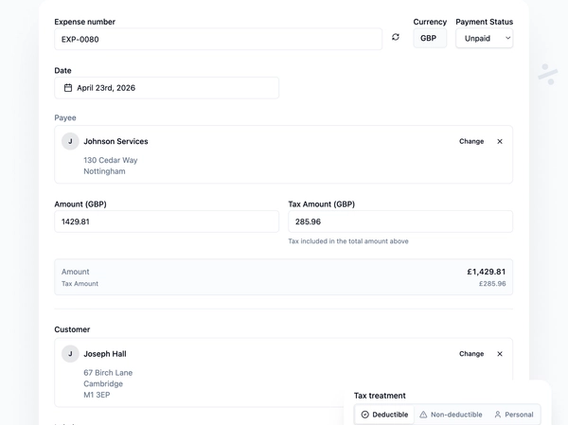
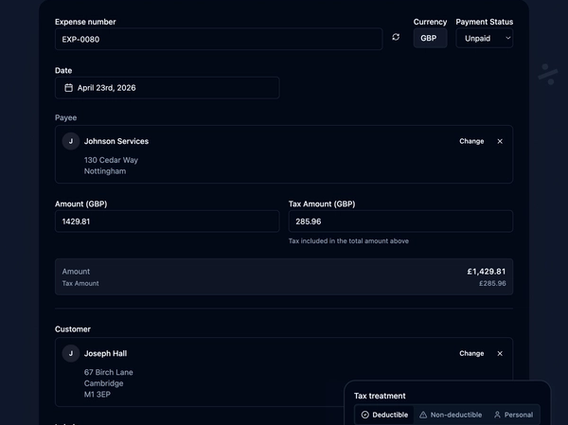
Log expenses with receipt photos as you go and classify each one for tax. At year end, export one ZIP with invoice PDFs and CSVs for your accountant.
- Expenses with receipt photos
- Allowable, non-allowable or personal
- UK default categories
- Live P&L dashboard
- Estimated taxable profit
- ZIP of invoice PDFs and CSVs
- Tax summary CSV included
Your Customers' Details Stay on Your Device
Your workspace lives on the phone, tablet or laptop you use, not in a cloud invoice database.


Your invoices hold your customers' names and addresses, what you charge and what you earn. Most invoicing apps keep all of that on their servers behind an account.
Nobody Else Holds Your Books
recevo.io has no account database and no central store of your invoices, customers or takings. The trade-off is that backups are your job. Export one regularly, or switch on encrypted cloud backup, and keep it somewhere safe.
From Estimate to Accountant Pack in Four Steps
1. Install the App
Open recevo.io once and add it to your home screen. No app store, no account, and it works offline after that.
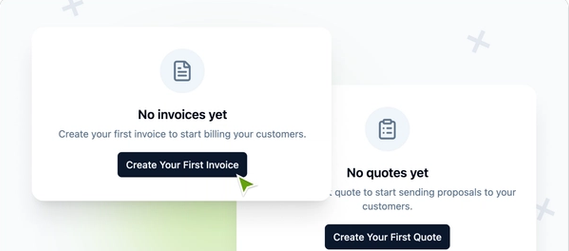
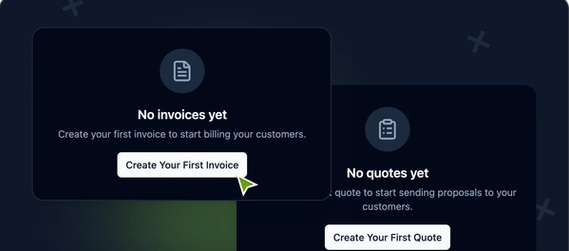
2. Estimate on the Job
Add the customer, labour, materials and a valid-until date while you are still on site.
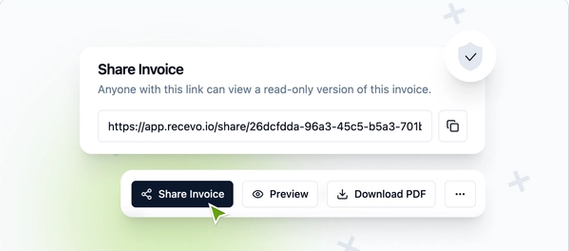
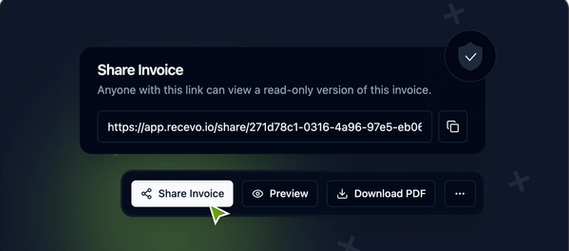
3. Invoice When It's Done
Convert the accepted estimate into an invoice in one click, then download a PDF or share a secure link.
4. Export at Year End
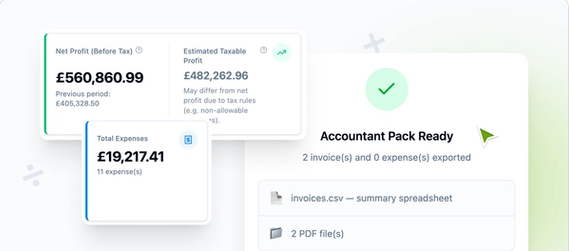
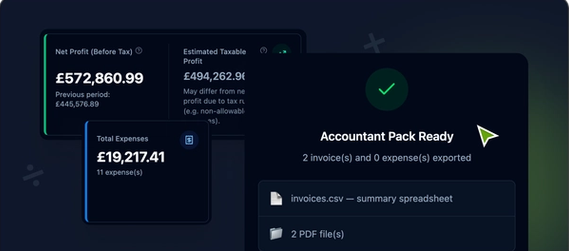
Record payments and expenses as you go, then export an accountant pack of PDFs and CSVs.
Built for Sole Traders in Every Trade
From boiler repairs to weekly cleans, recevo.io handles the estimates, invoices and records around the work you already do.
Plumbers, Electricians
Price the job in the customer's kitchen with no signal, then send a branded PDF invoice as soon as the work is finished.
Builders and Roofers
Set out scope, timelines and a valid-until date on the estimate, then turn it into an invoice when the work is signed off.
Cleaners and Gardeners
Save regular customers once and clone last month's invoice for repeat visits, with a new number and today's date.
Tutors and Trainers
Invoice for sessions, record cash, card or bank transfer payments against each one, and see what is still owed.
Mobile Hair and Beauty
Keep your price list in the line item library and build an invoice from it in seconds between appointments.
Just Starting Out
Look professional from the first invoice with your own logo and colours, without paying for software you do not need yet.
What Independent Workers Say
How people who work for themselves use recevo.io to quote, invoice and keep their records straight.

It works perfectly on-site, even when my signal is weak. I can create an estimate right in front of the client and finish the invoice as soon as the job is done.

I use the Expenses section to log every software subscription and hardware purchase. It’s incredibly helpful to see my Net Profit and Estimated Taxable Profit update in real-time as I work, so I’m never surprised at the end of the year.

I love how I can send a quote and then convert it to an invoice with just one click. It makes tracking my payments so much easier.

Privacy is my top priority. My data isn't sitting in some vendor's database, and I can share secure, read-only links with my clients.
No SignupNo Monthly FeeNo App StoreNo Invoice Limit
Free Forever for Sole Traders
Quote, invoice, track expenses and export your accountant pack without paying, signing up or waiting for signal.
Sole Trader Invoicing FAQ
Invoice Your Next Job for Free
Open recevo.io on your phone, add it to your home screen, and have your first estimate ready before you pack up.