
How to Correct an Invoice After You’ve Sent It: UK Guide
Sent an invoice and then spotted a mistake? This guide explains how UK freelancers and sole traders can deal with incorrect details, prices, VAT, payment information and other invoice errors while keeping a clear record of what changed.
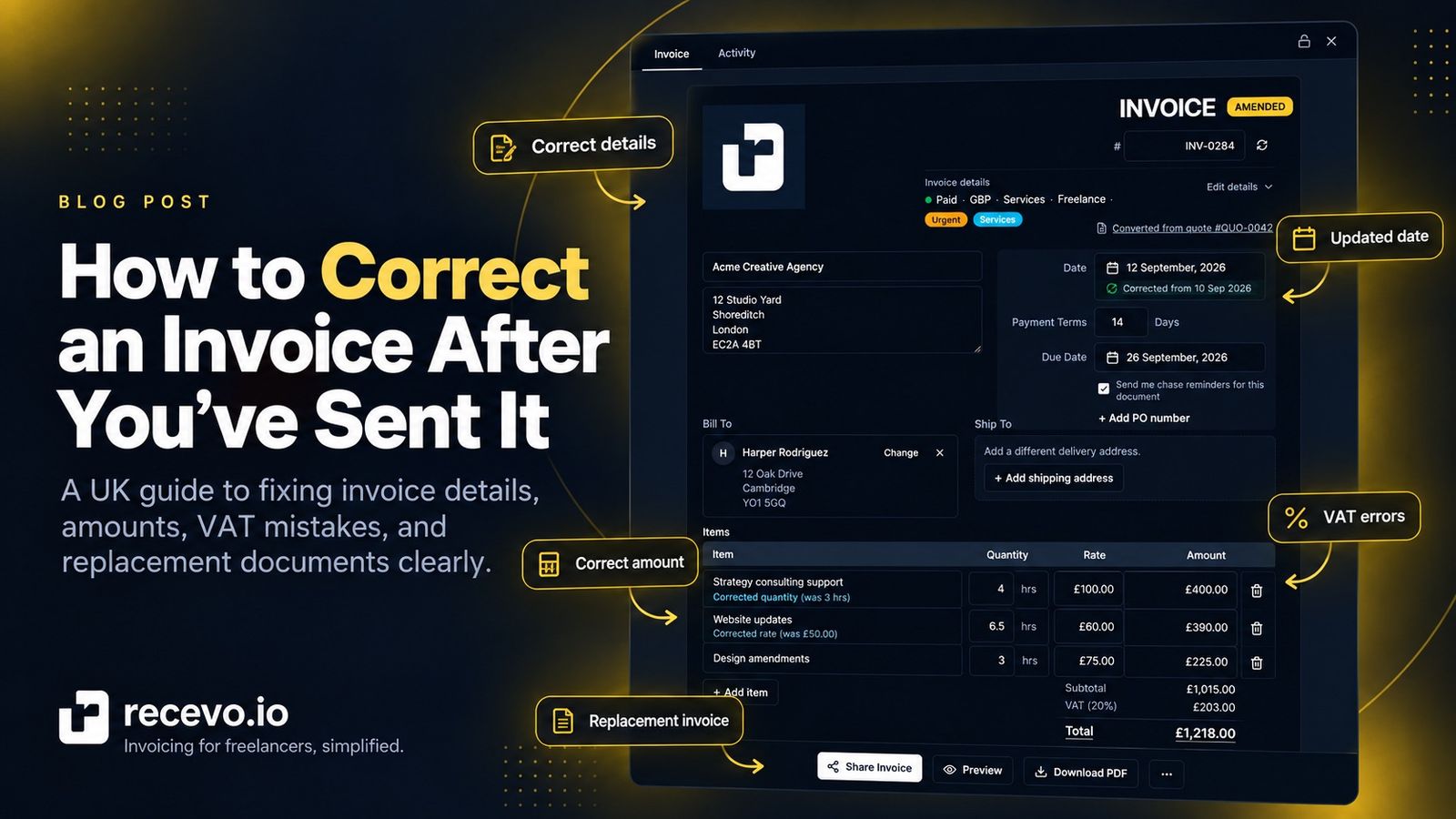
You send an invoice to a client, close the tab, and then notice the mistake.
Perhaps the client name is wrong.
Maybe you forgot their purchase order number.
Perhaps you charged £850 when the agreed price was £800.
Or, if you are VAT registered, you may have used the wrong VAT amount.
Mistakes happen. The important thing is to correct them clearly rather than quietly changing the document and leaving yourself and your client with different versions of the same invoice.
For UK freelancers, sole traders, consultants and small businesses, the right way to correct an invoice depends mainly on what is wrong with it and whether VAT is involved.
This guide explains the practical options.
This is general business admin guidance, not tax, legal or accounting advice. VAT corrections in particular can depend on the circumstances, so check current HMRC guidance or speak to an accountant if you are unsure.
First: do not simply pretend the original invoice never existed
If an invoice has only been saved as a draft and has never left your business, correcting it is usually straightforward.
Once you have actually issued it to a client, the situation is different.
Your client may already have:
- saved the PDF
- forwarded it to their accounts team
- entered it into their accounting system
- scheduled it for payment
- recorded VAT from it
- used the invoice number as an internal reference
Silently replacing your own copy can therefore create two conflicting versions.
A better approach is to keep a clear record of what was originally issued, what was wrong, and what you did to correct it.
This is especially important for VAT-registered businesses. HMRC says VAT-registered businesses should keep copies of sales invoices they issue, including invoices they cancel or produce by mistake.
For self-employed people more generally, HMRC requires business records to be accurate and transactions to be identifiable.
So before changing anything, work out what type of error you are dealing with.
1. A simple detail is wrong, but the amount is correct
Some invoice mistakes do not affect the amount the client owes.
For example:
- the client's contact name is misspelled
- the billing address is wrong
- a purchase order number is missing
- a project reference is missing
- the description needs clarification
- your payment instructions contain a typo
In a straightforward non-VAT situation, you may be able to issue a corrected or replacement version of the invoice and make it clear that it supersedes the earlier version.
The key is clarity.
Do not leave your client wondering whether both documents need to be paid.
You could include wording such as:
Corrected invoice replacing the version issued on 20 September 2026. Total amount due is unchanged.
Keep the original document in your own records and make a note explaining why the replacement was created.
If your client's accounts department has already entered the invoice into its system, ask how they want the correction handled. Larger organisations may have their own process for amended invoices.
It is also worth checking the corrected invoice carefully before sending it again.
UK invoices generally need information including a unique identification number, supplier and customer details, a description of what is being charged, supply and invoice dates, the amount charged and the total amount owed. There are additional requirements for sole traders, limited companies and VAT invoices.
For a more complete checklist, see What Should a Freelance Invoice Include?.
2. The amount on the invoice is too high
Suppose you invoiced a client for £1,000 but the agreed price was actually £900.
That is more significant than correcting an address.
You now have a document telling the client that they owe more than they actually owe.
If you are not VAT registered, the practical objective is to create a clear record showing that the original amount is no longer payable and what the corrected amount should be.
Depending on your record-keeping process, that could mean replacing the incorrect invoice or using a credit document to record the reduction.
If VAT is involved, the rules become more specific.
HMRC says that where too much VAT has been shown on a VAT invoice, the supplier must account for that higher amount unless the error is corrected with the customer, for example by issuing a credit note.
A credit note provides a record that reduces an amount previously invoiced.
For VAT purposes, HMRC requires a valid credit note to relate to a genuine mistake, overcharge or agreed reduction, and there are specific requirements around its contents and timing.
If you are VAT registered and are unsure whether your situation requires a credit note, replacement invoice or another correction, check with your accountant rather than improvising.
3. The amount on the invoice is too low
The opposite can happen too.
Perhaps you agreed £1,200 but accidentally invoiced £1,000.
Or you forgot an agreed charge.
Do not simply change your copy of the existing PDF to £1,200 and assume that solves the problem. The client still has the document showing £1,000.
Instead, make the additional amount clear.
For VAT invoices, HMRC gives the example of issuing a supplementary invoice where the VAT amount originally shown was lower than the amount properly due. HMRC also says that the supplier must account for the correct VAT due even if the customer-facing error has not yet been corrected.
For a non-VAT invoice, you still want the same basic outcome: documents that make it unambiguous how much was originally requested, what correction was made, and how much the client now owes.
Explain the correction to the client rather than simply sending another unexplained invoice.
4. You used the wrong VAT amount
VAT errors deserve extra care because an invoice is not only a request for payment. It may also form part of your customer's VAT records.
HMRC states that if a VAT invoice shows more VAT than is properly due, the supplier normally has to account for the higher amount unless they correct the error with the customer by issuing a credit note.
If the VAT shown is lower than the amount properly due, the supplier must account for the correct VAT due. A supplementary invoice may be used to correct the amount charged to the customer.
Where a credit note or supplementary invoice is used to correct VAT, HMRC says it should refer to the number and date of the original VAT invoice and clearly show the incorrect and correct VAT amounts.
This is one situation where it is particularly important not to treat an already-issued invoice like an editable draft.
What if the VAT return has already been submitted?
That adds another step.
If you discover an error in your VAT records before submitting the relevant VAT return, HMRC says you can correct your records, keep a clear note explaining the error, and include the correct figure in your VAT account.
If the incorrect figure has already been included in a VAT return submitted to HMRC, you need to follow HMRC's VAT error-correction rules.
Do not assume that issuing a corrected PDF to your client automatically fixes a VAT return that has already been filed.
5. The client has already paid the incorrect invoice
An error can become more complicated once money has changed hands.
Imagine you invoiced £600 instead of £500 and the client has already paid the full £600.
You now need to deal with both:
- the invoice record, and
- the £100 overpayment.
Simply editing the invoice to £500 would leave the payment history unexplained.
You may need to issue the appropriate correcting document and refund or otherwise account for the difference.
Similarly, if the client underpaid because your invoice was too low, you may need to invoice the additional amount separately.
Keep the payment, refund and correction linked in your own records so that somebody reviewing the transaction later can understand exactly what happened.
recevo.io lets you record payments and refunds against invoices, which can help you keep the document and the payment history connected rather than treating the PDF as the entire record.
You can read more in How to Track Invoice Payments as a Freelancer.
6. Should you delete the incorrect invoice?
Usually, deleting every trace of an invoice that has already been issued is not the clearest approach.
Even if the invoice was wrong, the document existed and may still exist in your client's records.
Keeping the original alongside information about its correction creates a much easier trail to follow.
That might include:
- the original invoice
- a corrected or replacement invoice
- a credit note where appropriate
- a supplementary invoice where appropriate
- emails explaining the correction
- payment or refund records
- a private note recording why the correction was made
For VAT-registered businesses, HMRC specifically requires copies of sales invoices to be retained even if they were cancelled or created by mistake. VAT records generally need to be kept for at least six years.
Self-employed people who complete Self Assessment also have record-keeping requirements. HMRC says records should include evidence such as sales invoices, and generally need to be kept for at least five years after the relevant 31 January submission deadline.
7. Should the corrected invoice have a new invoice number?
Be careful here.
UK invoices require a unique identification number, and VAT invoices require a sequential number that uniquely identifies the document.
At the same time, different invoicing systems and accountants may handle replacement documents differently.
The important principles are:
- do not create duplicate invoice numbers that make separate transactions ambiguous
- preserve a clear link to the original document
- make it obvious to the client which document they should use
- keep your numbering system consistent
Where a VAT credit note or supplementary invoice is being used, HMRC expects the correcting document to identify the original invoice.
If you are unsure how your particular correction should fit into your invoice sequence, especially when VAT is involved, ask your accountant.
For more on numbering, see How to Number Invoices as a Freelancer.
8. Tell the client what changed
A technically correct invoice can still cause confusion if it arrives without an explanation.
Keep your email short.
For example:
Hi Alex,
I spotted an error in invoice INV-0048 after sending it. The project total should have been £850 rather than £900.
I've attached the corrected documentation. Please disregard the earlier version and use this one for your records.
Thanks.
If the total has not changed, say so.
If the previous invoice should no longer be paid, say so.
If there is now an additional balance due, explain how it was calculated.
Your aim is to make it easy for the person receiving the correction to understand what they should do next.
9. Make invoice corrections easier to trace
Invoice mistakes are much less stressful when you have a clear history.
With recevo.io, you can create and manage invoices in your browser, record payments and refunds, add private notes, use activity history, lock documents and clone existing invoices.
Those tools can help when something needs correcting.
For example, keeping the originally issued invoice intact while recording why a replacement was needed is clearer than having no record of the original at all.
If you need a replacement document, cloning an existing invoice can also give you a starting point without rebuilding all of the customer and line-item information from scratch.
recevo.io does not decide the correct tax or accounting treatment for you. If VAT, tax or formal credit-note rules apply, check HMRC guidance or speak to your accountant.
A simple invoice correction checklist
Before sending the correction, check:
- What exactly is wrong with the original invoice?
- Does the correction change the amount owed?
- Does it affect VAT?
- Has the client already entered or paid the invoice?
- Does a credit note, supplementary invoice or replacement document apply?
- Is the original invoice still preserved in your records?
- Is the correction clearly linked to the original?
- Are your invoice numbers still clear and unique?
- Have you explained the change to the client?
- Do your payment and refund records match what actually happened?
Then check the replacement document from top to bottom before sending it.
Correcting one mistake with another is surprisingly easy when you are rushing.
Frequently asked questions
Can I edit an invoice after sending it in the UK?
You can correct mistakes, but once an invoice has been issued you should think about the record as well as the document itself.
For simple administrative mistakes, a clearly identified corrected or replacement document may be enough. If the value or VAT is wrong, credit notes, supplementary invoices or other VAT corrections may be required.
Keep a record of the original and the reason for the correction.
Can I just send the invoice again with the mistake fixed?
For a simple error that does not affect the value or tax treatment, you may be able to send a corrected version, but make it clear to the client that it replaces the earlier document.
Do not leave two apparently valid invoices circulating without explaining which one should be used.
Do I need a credit note to correct an invoice?
Not for every typo or missing reference.
Credit notes become particularly important where an amount previously invoiced is being reduced, especially where VAT is involved.
HMRC has specific rules for VAT credit notes, so VAT-registered businesses should check the current guidance.
What if I charged too little VAT?
HMRC says that if the VAT shown on a VAT invoice is lower than the amount properly due, you must account for the correct amount of VAT. A supplementary invoice can be used to recover the undercharged amount from the customer.
What if the invoice has already been paid?
Keep the original payment record.
If the client paid too much, record the correction and any refund properly. If they paid too little because the original invoice understated the amount due, you may need to request the additional balance.
Do not simply change the historical invoice total in a way that makes the payment record stop matching what actually happened.
Should I keep an invoice that was issued by mistake?
If you are VAT registered, HMRC says you must keep copies of sales invoices even if you cancel them or produced them by mistake.
More generally, retaining a clear trail of invoices and corrections makes your business records easier to understand.
Correct mistakes without losing the history
Sending an invoice with an error is frustrating, but it does not need to turn into messy records.
Identify what is wrong, work out whether the correction affects the amount or VAT, preserve the original record, and make the replacement or adjustment easy for your client to understand.
With recevo.io, you can create professional invoices, export PDFs, record payments and refunds, keep private notes, and maintain your invoicing records in your browser.
Start here:
No signup. No subscription. No invoice limits. Just private, browser-based invoicing for independent workers.
Unlimited invoices, quotes & expenses · Free forever
Send your next invoice from recevo.io, and every one after it, free
Create the invoice, download a branded PDF or share a secure read-only link, then record the payment when it lands. Free forever, no account needed.
Free forever · No account · No card · No watermark · Opens in a new tab
Unlike most free invoice tools:
- Unlimited invoices and quotes
- Branded PDFs with no watermark
- Works offline in your browser
- Your data never leaves your device
- Expenses and profit tracking included
- No account, no card, no premium tier

“I set up my branding once - now everything I send looks professional.”