
UK Invoicing and Tax Are Going Digital: What Sole Traders Should Do Now
Making Tax Digital is now live for the first group of UK sole traders and landlords, and the UK is moving toward mandatory VAT e-invoicing from 2029. recevo.io is not MTD filing software or an e-invoicing compliance platform, but it can help independent workers keep cleaner invoices, expenses, receipts, CSV exports, and accountant-ready records.
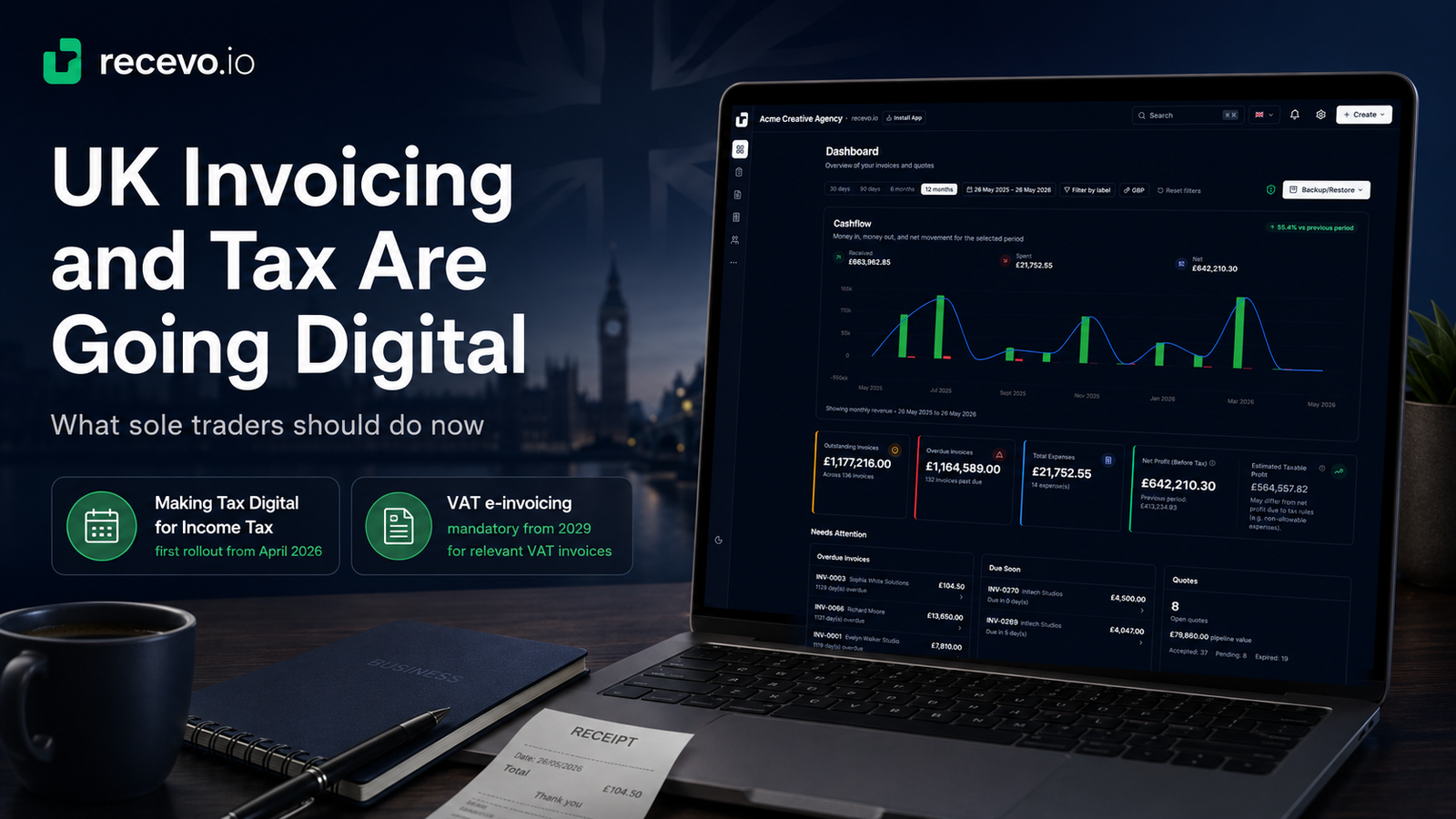
UK business admin is moving in one direction: more digital, more regular, and more structured.
For sole traders, freelancers, consultants, tradespeople, landlords, and independent workers, that matters.
Two pieces of recent UK tax and invoicing news point to the same trend.
First, Making Tax Digital for Income Tax has now started for the first group of sole traders and landlords.
Second, the UK government has announced a move toward mandatory VAT e-invoicing from 2029.
These are not the same policy. They do not affect every independent worker in the same way. And recevo.io is not HMRC filing software or an e-invoicing compliance platform.
But both developments send a clear signal: invoices, expenses, receipts, and business records are becoming more digital.
That is where recevo.io can help.
recevo.io is private, no-signup invoicing for independent workers. It helps you create invoices and quotes, record expenses, attach receipts, export PDFs, export CSV files, and prepare accountant-ready records from a browser-based workspace.
If your business admin still lives across PDFs, spreadsheets, email attachments, phone photos, and memory, now is a good time to build a cleaner routine.
The news: Making Tax Digital is now live for the first Income Tax cohort
Making Tax Digital for Income Tax started on 6 April 2026 for sole traders and landlords with qualifying income over £50,000.
The thresholds are being phased in. Sole traders and landlords with qualifying income over £30,000 are due to join from 6 April 2027, and those over £20,000 from 6 April 2028.
Under Making Tax Digital, affected taxpayers need to keep digital records and use compatible software to send quarterly updates to HMRC and submit their tax return.
This matters because the tax workflow is no longer only about a single January deadline.
The direction is toward keeping records up to date throughout the year.
For sole traders, that means invoices and expenses need to be easier to find, easier to categorise, and easier to hand over to an accountant.
The first quarterly deadline is approaching
The first Making Tax Digital quarterly update for the 2026 to 2027 tax year is due on 7 August 2026 for those in the first mandated group.
That gives affected sole traders and landlords a practical reason to get organised now.
The work is not just choosing software. It is building a record-keeping rhythm.
You need to know what you invoiced, what you were paid, what you spent, which receipts support those expenses, and what records your accountant needs from you.
If you already have an accountant, they may handle the MTD submission through their own compatible software.
But they still need good records from you.
That is the space where recevo.io can be useful.
The news: VAT e-invoicing is coming in 2029
The second important development is e-invoicing.
The UK government published its response to the e-invoicing consultation in November 2025. It confirmed that Budget 2025 announced VAT invoices must be issued as e-invoices from 2029, for relevant B2B and B2G VAT invoices.
This does not mean every sole trader needs to change how they invoice today.
It also does not mean recevo.io is currently an e-invoicing compliance product.
But it does show that invoice data itself is becoming more structured and more important.
The future of business admin is not just “make a PDF and forget it.”
It is moving toward cleaner digital records, better invoice data, and less manual chasing.
For independent workers, the practical first step is simple: stop letting invoice and expense records scatter.
What this means for sole traders and freelancers
The takeaway is not that every freelancer needs a heavy accounting platform tomorrow.
Some businesses do. If you need direct HMRC filing, VAT e-invoicing compliance, bank feeds, payroll, team access, or accountant logins, you should choose software built for those jobs.
But many sole traders need something simpler before that point.
They need to create professional invoices, record expenses, attach receipts, export useful spreadsheets, and give their accountant a cleaner handoff.
That is the middle ground recevo.io is built for.
recevo.io does not try to replace your accountant. It does not submit MTD updates to HMRC. It does not replace recognised MTD-compatible software.
Instead, it helps you prepare better records.
recevo.io’s role: record preparation, not tax filing
It is important to be clear.
recevo.io is not Making Tax Digital filing software.
It is not HMRC-recognised MTD software.
It does not send quarterly updates to HMRC.
It does not submit your tax return.
It is not an e-invoicing compliance platform.
What recevo.io can do is help you keep your invoice and expense records in better shape before your accountant or filing software needs them.
You can use recevo.io to create invoices, record payments, track expenses, attach receipts, add categories, use tax classifications as preparation notes, export CSV files, and generate an Accountant Pack.
That can make accountant handoff much easier.
Why better records matter more now
Digital tax does not remove admin.
It changes when the admin happens.
Instead of scrambling once a year to find invoices, receipts, and expense notes, sole traders increasingly need records that are useful throughout the year.
That means a good invoicing workflow should help answer questions like:
Which invoices did I issue this quarter?
Which invoices were paid?
Which invoices are still outstanding?
What expenses did I record?
Which receipts or supplier invoices support those expenses?
Which categories did I use?
Can I export a CSV for my accountant?
Can I send invoice PDFs and expense attachments together?
recevo.io is designed around those practical questions.
Create invoices that are more than PDFs
A basic invoice generator can help you create one PDF.
That is useful, but it is not always enough when you need records later.
recevo.io creates structured invoice records in your browser. You can add customer details, line items, tax, discounts, notes, payment terms, due dates, and payment status.
You can export branded invoice PDFs for clients, but you can also keep the underlying record in your workspace for later review and export.
That matters when your accountant asks what happened during a quarter or year.
Track expenses alongside invoices
Income is only half the story.
Sole traders also need to keep track of costs: software, equipment, materials, travel, phone bills, hosting, insurance, subcontractors, professional fees, and other business expenses.
recevo.io lets you record expenses in the same workspace as your invoices.
You can add categories, link payees, attach receipts, and keep supporting evidence together.
This helps you avoid the classic problem of invoices in one place, receipts in another, and expense totals somewhere else entirely.
Export CSV files for accountant review
CSV exports matter because accountants often need structured data, not just documents.
PDFs are useful for human review, but CSV files can be opened in spreadsheets, filtered, checked, totalled, imported, or used as part of a wider bookkeeping process.
recevo.io can help you export invoice and expense records in spreadsheet-friendly form.
That makes it easier to hand over data without asking your accountant to manually extract numbers from PDFs.
Use an Accountant Pack for cleaner handoff
The Accountant Pack is one of recevo.io’s most useful features for the current direction of UK business admin.
Instead of sending a messy mix of invoice PDFs, receipt photos, expense notes, and spreadsheets, you can export a ZIP file containing useful records for review.
That can include invoice PDFs, expense attachments, and CSV spreadsheets of your invoice and expense data.
The goal is not to file your tax return from recevo.io.
The goal is to give your accountant a cleaner starting point.
Keep backups as part of the workflow
As records become more important, backups become more important too.
recevo.io is browser-first, which means your normal workspace lives in your browser rather than a central cloud invoice database.
That is part of the privacy model.
But browser data can be cleared, devices can be lost, and local records need protection.
recevo.io supports manual JSON backups and, with Encrypted Cloud Backup, gives users an opt-in off-device safety net that is encrypted before leaving the browser.
That combination fits the same philosophy: keep users in control while making record protection easier.
Why no-signup invoicing still matters
With all this talk about digital tax and structured records, it is easy to assume every tool needs to become a heavy accounting platform.
But many independent workers do not want that.
They want fast invoicing, professional PDFs, basic financial visibility, and a clean handoff to an accountant.
They do not necessarily want another account, another subscription, another hosted workspace, or another system that stores their client and invoice data in the cloud.
recevo.io keeps the starting point simple.
Open the app. Create an invoice. Track the work. Export records when needed.
No signup. No subscription. No invoice limits.
A simple record-keeping routine for 2026
If the current news has made you think about your own admin, here is a practical routine.
1. Create invoices as soon as work is billable
Do not wait until the end of the month if that makes your records harder to reconstruct.
Create invoices in recevo.io when work is ready to bill.
2. Record payments when clients pay
Mark invoices as paid and record payment details.
This keeps outstanding balances clearer and helps you review what has actually come in.
3. Add expenses regularly
Add expenses as they happen, not three months later.
The sooner you record an expense, the easier it is to remember what it was for.
4. Attach receipts before they disappear
Receipts are easiest to manage when they are attached to the expense record straight away.
This is especially helpful when your accountant needs supporting documents.
5. Use categories consistently
Simple categories make records easier to review.
Do not overcomplicate them. Use categories that make sense to you and your accountant.
6. Export records at quarter-end
At the end of each quarter, export an Accountant Pack or CSV files for review.
Even if you are not yet in Making Tax Digital, building the habit early can make year-end easier.
7. Back up your workspace
Use manual JSON backups, Encrypted Cloud Backup, or both.
Cleaner records only help if they are protected.
What to ask your accountant
If you work with an accountant, ask them how they want to receive records.
Useful questions include:
Do you want invoice PDFs, CSV files, or both?
How often should I send records?
Can you use expense CSV exports?
Do you want receipt attachments included?
Which categories should I use?
Do I need to use MTD-compatible software directly, or will you handle filing?
How should I prepare for quarterly updates?
Does anything about VAT e-invoicing affect me yet?
These questions help connect your day-to-day invoicing workflow with your accountant’s filing process.
Sources used
This article is based on recent public guidance and reporting from:
GOV.UK / HM Revenue & Customs
Making Tax Digital for Income Tax guidance for sole traders and landlords, including who needs to use the service, software requirements, thresholds, and quarterly update deadlines.
GOV.UK / HM Revenue & Customs
HMRC’s February 2026 announcement that more than 860,000 sole traders and landlords needed to prepare for the April 2026 MTD launch.
ICAEW
April 2026 guidance encouraging taxpayers required to use Making Tax Digital to sign up in good time before the first quarterly update deadline.
GOV.UK / HMRC and Department for Business and Trade
The UK e-invoicing consultation response, including the announcement that VAT invoices must be issued as e-invoices from 2029.
Frequently asked questions
Is recevo.io Making Tax Digital software?
No. recevo.io is not HMRC-recognised MTD-compatible filing software and does not submit quarterly updates or tax returns to HMRC. It can help with record preparation by keeping invoices, expenses, receipts, and CSV exports organised for accountant handoff.
Can recevo.io help me prepare for Making Tax Digital?
Yes, as a record-preparation tool. You can create invoices, record expenses, attach receipts, use categories, export CSV files, and prepare an Accountant Pack for your accountant. Your accountant or recognised MTD-compatible software should handle the actual filing.
Does recevo.io support e-invoicing?
recevo.io creates invoices and branded PDFs, but it is not currently an e-invoicing compliance platform. The 2029 e-invoicing direction is relevant because it shows that invoice data is becoming more digital and structured.
Should I use recevo.io instead of accounting software?
Use recevo.io if you want simple, private, no-signup invoicing with useful records and exports. Use full accounting software if you need direct HMRC filing, bank feeds, payroll, cloud sync, accountant logins, or compliance automation.
Can my accountant use recevo.io exports?
Your accountant may be able to use invoice PDFs, expense attachments, and CSV exports as part of their review process. Ask them what formats they prefer and how often they want records.
Does recevo.io provide tax advice?
No. recevo.io does not provide tax advice. Categories, tax classifications, P&L views, and exports are record-preparation aids. Always check tax questions with your accountant or official guidance.
Prepare now, without overcomplicating your workflow
The direction of UK invoicing and tax admin is clear: better digital records, more regular reporting, and cleaner data.
That does not mean every sole trader needs to jump into a heavy platform immediately.
It does mean your invoices, expenses, receipts, and exports should be easier to manage than a scattered mix of PDFs, spreadsheets, and phone photos.
recevo.io helps independent workers build that habit.
Create invoices, track payments, record expenses, attach receipts, export CSVs, and prepare accountant-ready records from a private, no-signup browser-based workspace.
Start here:
Unlimited invoices, quotes & expenses · Free forever
Keep every expense next to the invoice it belongs to
Track one-off and recurring costs, attach receipts, and export an Accountant Pack when tax time comes. Free forever, no account needed.
Free forever · No account · No card · No watermark · Opens in a new tab
Unlike most free invoice tools:
- Unlimited invoices and quotes
- Branded PDFs with no watermark
- Works offline in your browser
- Your data never leaves your device
- Expenses and profit tracking included
- No account, no card, no premium tier

“I log every expense and see my net profit update in real time.”